Introduction
In today’s digital world, almost everything depends on online accounts. From email and banking to shopping platforms and social media, people manage dozens of passwords every day. Unfortunately, many users still rely on weak passwords, repeat the same password across multiple websites, or store login details in unsafe places. These habits can put personal information, financial data, and private conversations at risk.
The best password manager apps provide a simple solution by securely storing passwords, generating strong login credentials, and helping users protect their digital identity. Instead of remembering dozens of complicated passwords, you only need to remember one secure master password.
Password manager apps have become essential security tools for beginners and experienced internet users alike. They help reduce the chances of account breaches while making everyday online activities more convenient. Whether you are managing personal accounts, business logins, or family passwords, a reliable password manager can save time and improve safety.
This guide explains what password manager apps are, why they matter, how to choose and use them, their benefits and limitations, common mistakes to avoid, and expert tips for better online security. By the end, you will understand how these tools work and how they can help keep your accounts safe.
What Are Password Manager Apps?
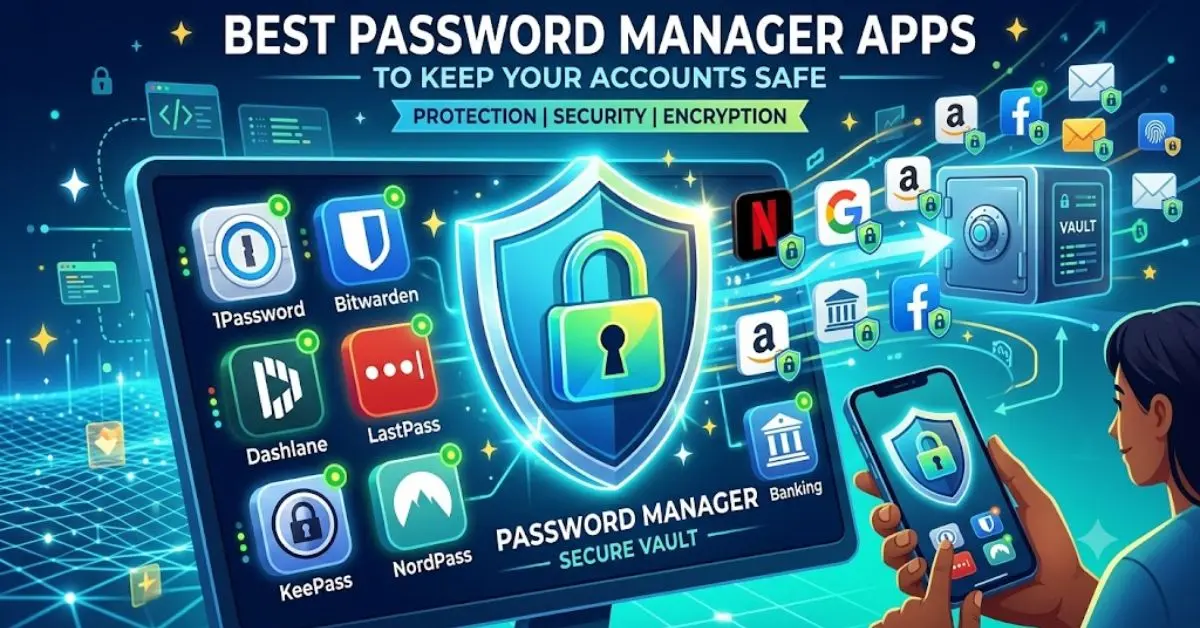
Password manager apps are security applications designed to store, organize, and protect your login information. Instead of saving passwords in browsers, notes, or documents, users can keep all their credentials inside an encrypted digital vault.
A password manager stores usernames, passwords, website details, and sometimes additional information such as payment details, secure notes, and identification documents. The stored information is protected using advanced encryption methods, making it much harder for unauthorized people to access.
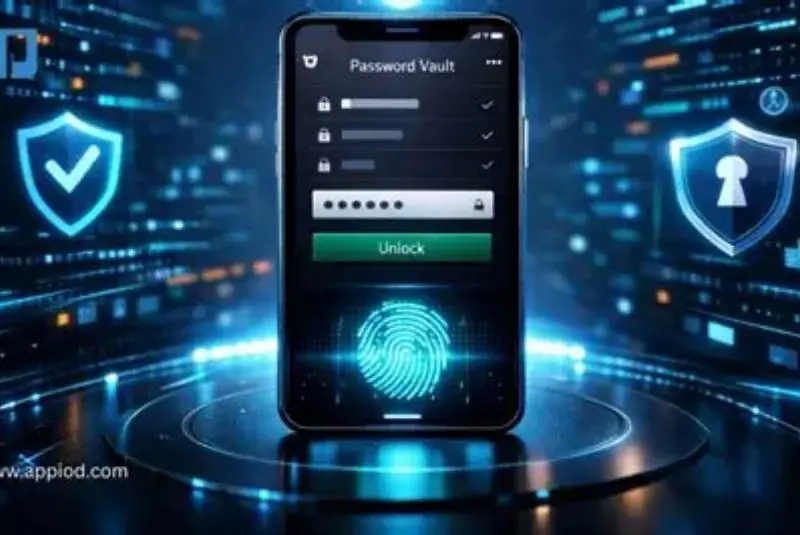
Most password manager apps work through a simple system. Users create one master password that unlocks their secure vault. After logging in, the application can automatically fill usernames and passwords when visiting websites or opening apps.
Modern password managers also include features such as password generation, security alerts, two-factor authentication support, and synchronization across multiple devices. These features make managing online accounts easier while improving protection against cyber threats.
Popular password manager solutions are available for computers, smartphones, tablets, and web browsers. They are designed for different types of users, including individuals, families, and businesses.
Why Are Password Manager Apps Important?
Using strong and unique passwords is one of the most effective ways to protect online accounts. However, remembering different complex passwords for every website can be challenging. This is where password manager apps become valuable.
Cybercriminals often target accounts with weak or reused passwords. If one website experiences a data breach and your password is exposed, attackers may try the same password on other platforms. A password manager helps prevent this problem by creating and storing unique passwords for every account.
Password manager apps are important for several reasons:
- They create stronger passwords that are difficult to guess.
- They prevent password reuse across multiple accounts.
- They reduce the risk of phishing attacks.
- They save time through automatic login features.
- They protect sensitive information using encryption.
- They help users maintain better digital security habits.
For beginners, password managers remove the stress of remembering many passwords. For advanced users, they provide additional security controls and convenient management features.
As online threats continue to increase, protecting accounts is no longer optional. A password manager is a practical security investment that helps users maintain control over their personal information.
Detailed Step-by-Step Guide to Choosing and Using Password Manager Apps
Step 1: Understand Your Security Needs
Before selecting a password manager, consider your personal requirements. Someone managing only a few accounts may need basic password storage, while professionals or families may require advanced sharing and monitoring features.
Think about:
- How many accounts you need to protect.
- Which devices you use regularly.
- Whether you need family or team sharing.
- Whether you want extra security features.
- Your budget for premium services.
Understanding your needs makes it easier to choose a suitable password manager.
Step 2: Research Reliable Password Manager Options
Not every password manager offers the same level of protection. Look for applications with strong encryption, trusted security practices, and positive user experiences.
Important features to check include:
- End-to-end encryption.
- Multi-device support.
- Password generator tools.
- Two-factor authentication compatibility.
- Security reports.
- Backup and recovery options.
A good password manager should focus on both security and usability. Complicated software may discourage users from maintaining safe habits.
Step 3: Create a Strong Master Password
The master password is the key that protects your entire password vault. Because it provides access to all stored information, it should be unique and highly secure.
A strong master password should:
- Be long and memorable.
- Avoid personal information.
- Include a combination of words, numbers, and symbols.
- Never be reused on another account.
Consider creating a memorable passphrase instead of a short password. Longer passwords are generally harder for attackers to crack.
Step 4: Import or Add Your Existing Passwords
After installing a password manager, you can begin adding your existing login details. Many applications allow users to import saved passwords from browsers or other password managers.
During this process:
- Remove duplicate passwords.
- Update weak passwords.
- Replace reused passwords.
- Delete accounts you no longer use.
This is an excellent opportunity to improve your overall account security.
Step 5: Generate Strong New Passwords
One of the biggest advantages of password manager apps is their ability to create random, secure passwords.
Instead of using simple passwords like names or birthdays, allow the password manager to generate complex combinations. These passwords may be difficult to remember, but the app stores them securely for you.
For example, a password manager can create a unique password containing random letters, numbers, and symbols that would be extremely difficult for attackers to guess.
Step 6: Enable Additional Security Features
Many password manager apps offer extra protection beyond password storage.
Useful security features include:
- Two-factor authentication.
- Biometric login.
- Security alerts.
- Emergency access options.
- Password health reports.
These features add another layer of protection and help users respond quickly to potential security issues.
Step 7: Maintain Good Password Habits
A password manager improves security, but users should continue practicing safe online behavior.
Remember to:
- Update important passwords regularly.
- Avoid sharing your master password.
- Keep your devices protected.
- Install software updates.
- Be careful with suspicious emails and websites.
Technology works best when combined with responsible security habits.
Benefits of Password Manager Apps
Password manager apps provide many advantages for personal and professional users.
- Better security: They help users create strong, unique passwords for every account.
- Convenience: Users no longer need to memorize dozens of login details.
- Time savings: Automatic filling makes logging into websites faster.
- Reduced password reuse: Each account can have a different password.
- Secure storage: Sensitive information is protected inside an encrypted vault.
- Cross-device access: Many apps allow secure access from multiple devices.
- Improved organization: Users can manage accounts in one central location.
- Security awareness: Password reports help identify weak credentials.
These benefits make password managers useful tools for anyone who spends time online.
Disadvantages and Risks of Password Manager Apps
Although password manager apps offer strong protection, they also have some limitations.
- Master password risk: If someone gains access to your master password, your vault may be compromised.
- Dependence on one service: Users rely on the password manager provider’s security.
- Learning curve: Some beginners may need time to understand advanced features.
- Subscription costs: Premium features may require payment.
- Device security concerns: An infected device can create security problems.
Choosing a trusted password manager and following good security practices can reduce these risks.
Common Mistakes to Avoid
Many users make mistakes that reduce the effectiveness of password manager apps.
One common mistake is choosing a weak master password. Since the master password protects everything else, it deserves extra attention.
Another mistake is ignoring updates. Password manager applications regularly release updates to improve security and performance. Keeping the app updated helps maintain protection.
Users should also avoid sharing their password vault access with others. Even trusted people should use secure sharing features instead of receiving passwords through messages or emails.
Other mistakes include:
- Saving passwords in unsecured files.
- Using the same master password elsewhere.
- Ignoring security notifications.
- Installing unknown password manager apps.
- Forgetting to activate extra security features.
Avoiding these mistakes helps users get maximum value from their password manager.
Are password manager apps safe to use?
Yes, reputable password manager apps are generally safe because they use encryption to protect stored information. The security of your vault depends heavily on choosing a strong master password and protecting your devices.
A password manager is usually safer than storing passwords in notes, spreadsheets, or using the same password everywhere.
Can a password manager be hacked?
Like any technology, password managers are not completely immune to attacks. However, trusted password managers use advanced security systems designed to prevent unauthorized access.
Using a strong master password, enabling two-factor authentication, and keeping your software updated can significantly improve protection.
Do I need a password manager if I only have a few accounts?
Even users with a small number of accounts can benefit from password manager apps. A password manager encourages better security habits by helping you create unique passwords and store them safely.
As your number of online accounts grows, having a password manager becomes even more useful.
Can password managers protect against phishing?
Password managers can help reduce phishing risks because they usually recognize legitimate websites before automatically filling login information. However, users should still check website addresses and avoid suspicious links.
A password manager is one security layer, not a replacement for careful online behavior.
Are free password manager apps good enough?
Some free password manager apps provide useful basic features. However, premium versions often include additional tools such as advanced security monitoring, family sharing, and extra storage options.
The right choice depends on your security needs and budget.
What happens if I forget my master password?
Many password managers cannot recover your master password because of their security design. This prevents others from accessing your information.
Some services provide recovery options, emergency access, or account recovery methods. It is important to understand these options before choosing an application.
Can I use a password manager on multiple devices?
Yes, many password manager apps support computers, smartphones, and tablets. Synchronization allows users to access their passwords securely across different devices.
This feature is especially helpful for people who switch between work and personal devices.
Expert Tips and Bonus Points
Security experts recommend combining password managers with additional protection methods.
Use these tips for better account safety:
- Enable two-factor authentication whenever possible.
- Review your password security report regularly.
- Remove unused accounts.
- Avoid logging into important accounts on public computers.
- Keep your operating system and applications updated.
- Use biometric protection when available.
- Create a secure backup plan.
Another useful practice is organizing passwords into categories. Separating work accounts, personal accounts, and financial accounts can make management easier.
Families can also benefit from secure password-sharing features. Instead of sending passwords through unsafe messages, members can share access through protected systems.
Businesses should consider password management solutions that include team controls, permission settings, and activity monitoring.
The goal of a password manager is not only storing passwords but creating a safer digital lifestyle. When combined with smart online habits, these tools can significantly improve account protection.
Conclusion
The best password manager apps provide a simple and effective way to protect your online accounts. As people continue creating more digital accounts, managing passwords manually becomes increasingly difficult and risky. Weak passwords, repeated credentials, and unsafe storage methods can expose users to serious security problems.
Password manager apps solve these challenges by creating strong passwords, storing information securely, and making account access more convenient. They help beginners improve their security habits while giving experienced users advanced tools for managing digital identities.
Choosing the right password manager depends on your personal needs, preferred features, and security expectations. A reliable application with strong encryption, useful features, and easy usability can make protecting your accounts much easier.
However, a password manager should be part of a complete security strategy. Users should still practice safe browsing, enable additional authentication methods, and protect their devices from threats.
In a world where online privacy and security are increasingly important, investing time in better password management is a smart decision. By using password manager apps correctly, you can reduce risks, save time, and enjoy a safer online experience.